🎈Winter Savings Special Sale 🎁
00
DAYS
00
HRS
00
MINS
00
SECS


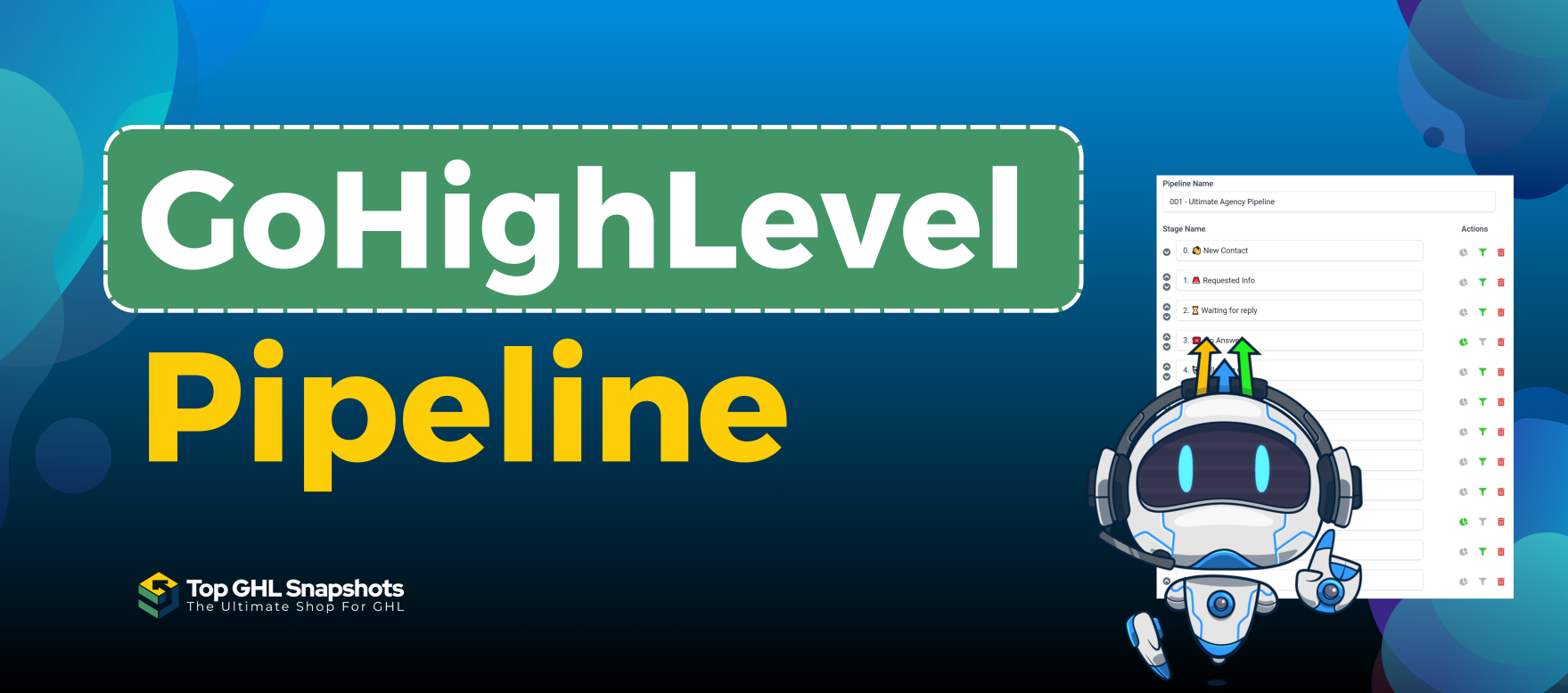
The GoHighLevel pipeline is a powerful feature designed to help businesses manage leads, track progress, and close deals efficiently. Whether you’re running a marketing agency, managing a sales team, or juggling multiple client projects, the pipeline acts as your command center, keeping everything organized and accessible.
This guide will walk you through the ins and outs of the GoHighLevel pipeline, showing you how to set it up, use it effectively, and leverage its features to boost productivity and revenue.
The GoHighLevel pipeline is a visual representation of your sales or project process. It allows you to track leads or tasks as they move through various stages, ensuring nothing falls through the cracks. Each pipeline is customizable, making it easy to adapt to different workflows or business models.

The pipeline centralizes your lead tracking, giving you a clear view of where each prospect stands.
Example:
Imagine you’re running a real estate agency. Your pipeline can have stages like “New Inquiry,” “Property Tour Scheduled,” “Offer Made,” and “Closed.”
Every business has its unique processes, and GoHighLevel allows you to tailor your pipeline stages accordingly.
Example:
A digital marketing agency might create stages like “Lead Contacted,” “Proposal Sent,” “Negotiation,” and “Contract Signed.”
For teams, the pipeline offers transparency. Everyone can see the status of a deal or project, ensuring better collaboration and accountability.
Example:
A sales manager can assign specific leads to team members and monitor their progress directly from the pipeline.
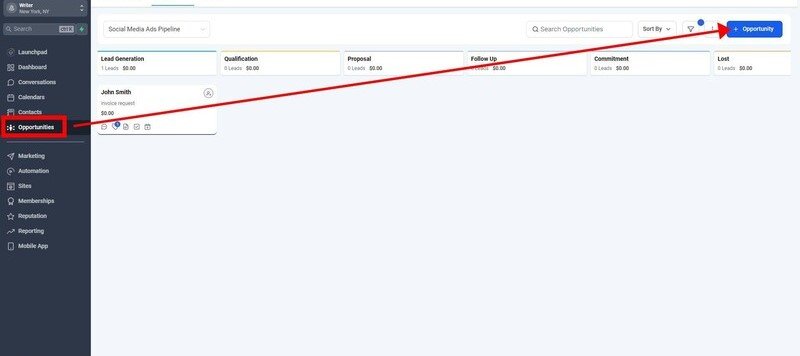
Pro Tip: Keep your stages clear and actionable, such as “Lead Captured,” “Proposal Sent,” or “Deal Won.”
Yes! You can create different pipelines for various services, teams, or projects.
Absolutely. The pipeline integrates seamlessly with workflows, calendars, and analytics.
You can assign leads to team members and monitor their progress within the pipeline.
Yes, you can create custom stages to match your unique workflow.
Yes, the pipeline feature is included in all GoHighLevel plans.
The GoHighLevel pipeline is an essential tool for businesses looking to stay organized and improve efficiency. By providing a clear view of your processes, automating tasks, and integrating seamlessly with other features, the pipeline helps you close deals faster and grow your business.
Ready to take control of your workflow? Try GoHighLevel today and experience the difference its pipeline feature can make!

If you’ve ever struggled with A2P 10DLC registration, you know how confusing and rejection-prone the process can be. One small

Build Powerful Workflows Just by Speaking Imagine building a complete automation without typing a single word. No clicking through triggers.

Design smarter. Move faster. Stop switching tabs. If you’ve ever designed something in Canva, downloaded it, uploaded it into your

The Smart Way to Re-Engage Leads Without Manual Work Leads don’t always ghost you on purpose. Sometimes they get busy.

AI automation is evolving fast. If you’ve ever wished you could fully control AI tasks inside your CRM without relying

Build Powerful Workflows Just by Speaking Imagine creating an entire workflow without touching your keyboard. No typing. No complicated setup.

Pick a design that fits your brand.

Integrate it seamlessly.

Tailor it to your business needs.

Start generating leads and sales.
No account yet?
Create an AccountWe use cookies to improve your experience on our site. By using our site, you consent to cookies.
Websites store cookies to enhance functionality and personalise your experience. You can manage your preferences, but blocking some cookies may impact site performance and services.
Essential cookies enable basic functions and are necessary for the proper function of the website.
These cookies are needed for adding comments on this website.
Google reCAPTCHA helps protect websites from spam and abuse by verifying user interactions through challenges.
These cookies are used for managing login functionality on this website.
Stripe is a payment processing platform that enables businesses to accept online payments securely and efficiently.
Service URL: stripe.com (opens in a new window)
Statistics cookies collect information anonymously. This information helps us understand how visitors use our website.
Google Analytics is a powerful tool that tracks and analyzes website traffic for informed marketing decisions.
Service URL: policies.google.com (opens in a new window)
Clarity is a web analytics service that tracks and reports website traffic.
Service URL: clarity.microsoft.com (opens in a new window)
SourceBuster is used by WooCommerce for order attribution based on user source.
You can find more information in our Privacy Policy and .



