



Gohighlevel Zapier
Automation is the backbone of efficiency in today’s fast-paced business world, and GoHighLevel has taken it up a notch by
Contents
Automation is the backbone of efficiency in today’s fast-paced business world, and GoHighLevel has taken it up a notch by integrating with Zapier. This powerful duo connects GoHighLevel with thousands of other apps, allowing you to automate repetitive tasks, streamline workflows, and focus on what truly matters—growing your business.
Whether you’re managing leads, following up with clients, or syncing data between platforms, the GoHighLevel and Zapier integration helps you create custom workflows (or Zaps) that simplify your daily operations. Let’s explore how this integration can transform the way you work.
Key Takeaways
- Seamless App Connectivity: Integrate GoHighLevel with over 5,000 apps using Zapier.
- Automated Lead Management: Sync leads, send follow-ups, and update CRM data effortlessly.
- Customizable Workflows: Build tailored Zaps to automate your unique business processes.
- No Coding Required: Create powerful automations without technical expertise.
- Cost-Effective Productivity: Save time and reduce errors by automating repetitive tasks.
Why GoHighLevel Zapier Integration Matters
Connect All Your Favorite Tools
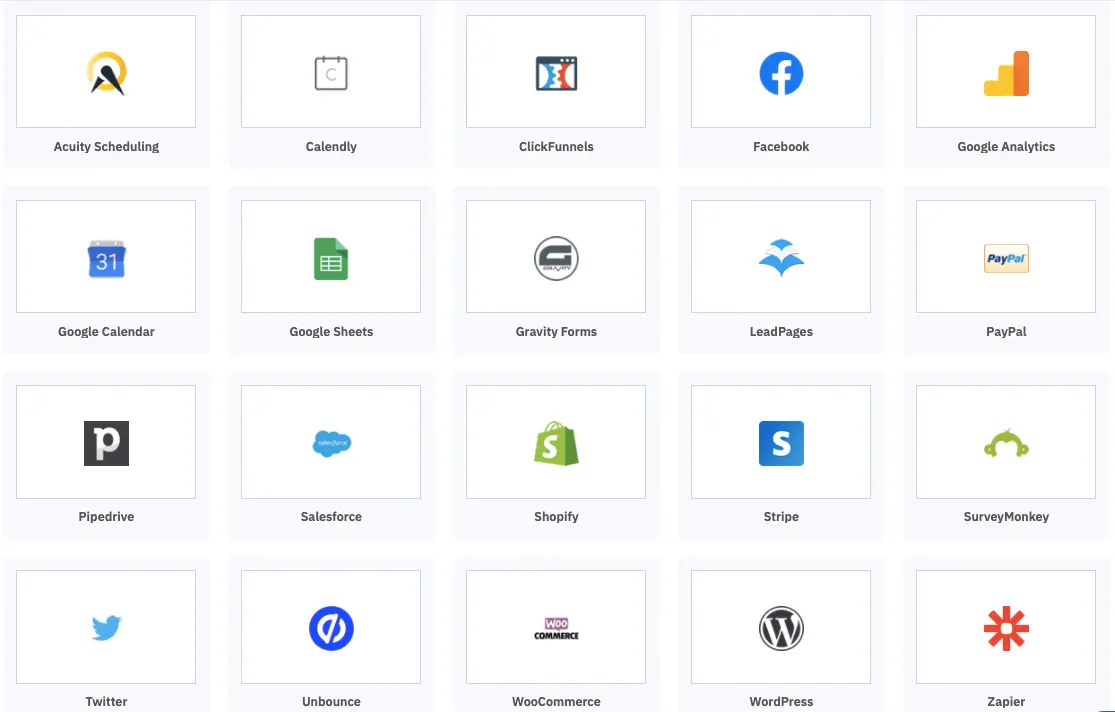
Zapier acts as a bridge between GoHighLevel and other apps you use daily, such as Google Sheets, Slack, and Mailchimp. This connectivity eliminates the need for manual data entry and ensures smooth information flow.
Example: Automatically add new GoHighLevel contacts to a Mailchimp email list to streamline email marketing.
Automate Lead Management
Manually managing leads can be time-consuming. With Zapier, you can automate processes like lead follow-ups, data syncing, and task assignments.
Step-by-Step Example:
- Create a Zap to trigger when a new lead is added to GoHighLevel.
- Set an action to send an email or SMS follow-up.
- Update your Google Sheets database with the lead information for record-keeping.
Custom Workflows for Every Need
Zapier’s flexibility allows you to design workflows tailored to your business goals. Whether you’re automating appointment scheduling or sending notifications, Zapier and GoHighLevel make it possible.
Use Case: A marketing agency uses Zapier to automatically assign leads from GoHighLevel to team members based on specific criteria like location or service type.
How to Set Up GoHighLevel Zapier Integration
Create a Zapier Account
If you’re new to Zapier, sign up for a free account.Connect GoHighLevel to Zapier
- Log in to your Zapier account.
- Search for GoHighLevel in the app directory.
- Follow the prompts to connect your GoHighLevel account using API credentials.
Choose a Trigger and Action
- Select a trigger (e.g., “New Contact Created” in GoHighLevel).
- Define an action (e.g., “Add to Google Sheets”).
Test Your Zap
Run a test to ensure the Zap works correctly and data flows seamlessly.Turn On the Zap
Once tested, activate your Zap, and let automation handle the rest.
Conclusion
Integrating GoHighLevel with Zapier is a game-changer for businesses looking to automate workflows and enhance productivity. From lead management to app connectivity, this powerful duo simplifies complex tasks and helps you focus on strategic growth.
Ready to take your efficiency to the next level? Start integrating GoHighLevel with Zapier today and unlock the full potential of automation.
Quick answers
Frequently asked questions
Can Zapier Has a free plan ?
Yes, you can use Zapier’s free plan to set up basic automations, but the free plan has limitations on the number of tasks and Zaps.
What are some popular Zaps for GoHighLevel?
Common Zaps include syncing leads with Google Sheets, sending Slack notifications for new clients, and integrating with email platforms like Mailchimp.
Is GoHighLevel Zapier integration secure?
Yes, both platforms use secure APIs and encryption to ensure data safety.
Do I need technical skills to use Zapier with GoHighLevel?
No, Zapier is designed for non-technical users, allowing you to create automations with a simple interface.
Where this leaves you
Skip the build. Import a working GoHighLevel account instead.
Everything above is buildable by hand, and most people never finish. A snapshot is the same setup already made: funnels, pipelines, calendars, the prebuilt website and the automations, written for one industry and wired together before it reaches you.
- Delivered within 24 hours by email
- Install on unlimited sub-accounts you manage
- 20 hours of setup help across 15 days
Keep reading
All articles
Pre-Built A2P Campaign Widget-First Registration flow
If you’ve ever struggled with A2P 10DLC registration, you know how confusing and rejection-prone the process can be. One small
March 13, 20265 min read
Voice Dictation in AI Builder & Assistant
Build Powerful Workflows Just by Speaking Imagine building a complete automation without typing a single word. No clicking through triggers.
February 27, 20264 min read
Conversation AI Auto Follow-Up
The Smart Way to Re-Engage Leads Without Manual Work Leads don’t always ghost you on purpose. Sometimes they get busy.
February 20, 20264 min read