



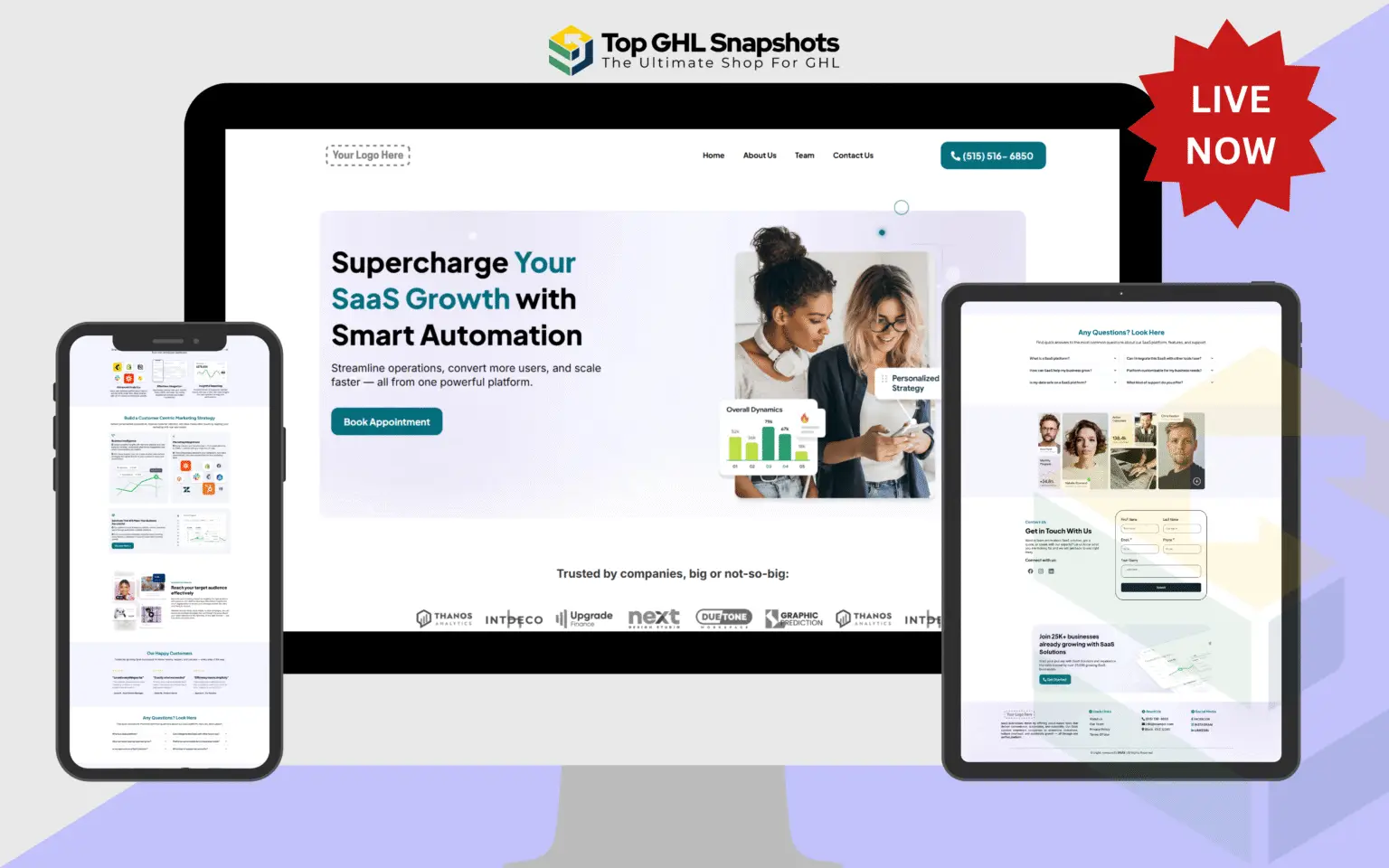
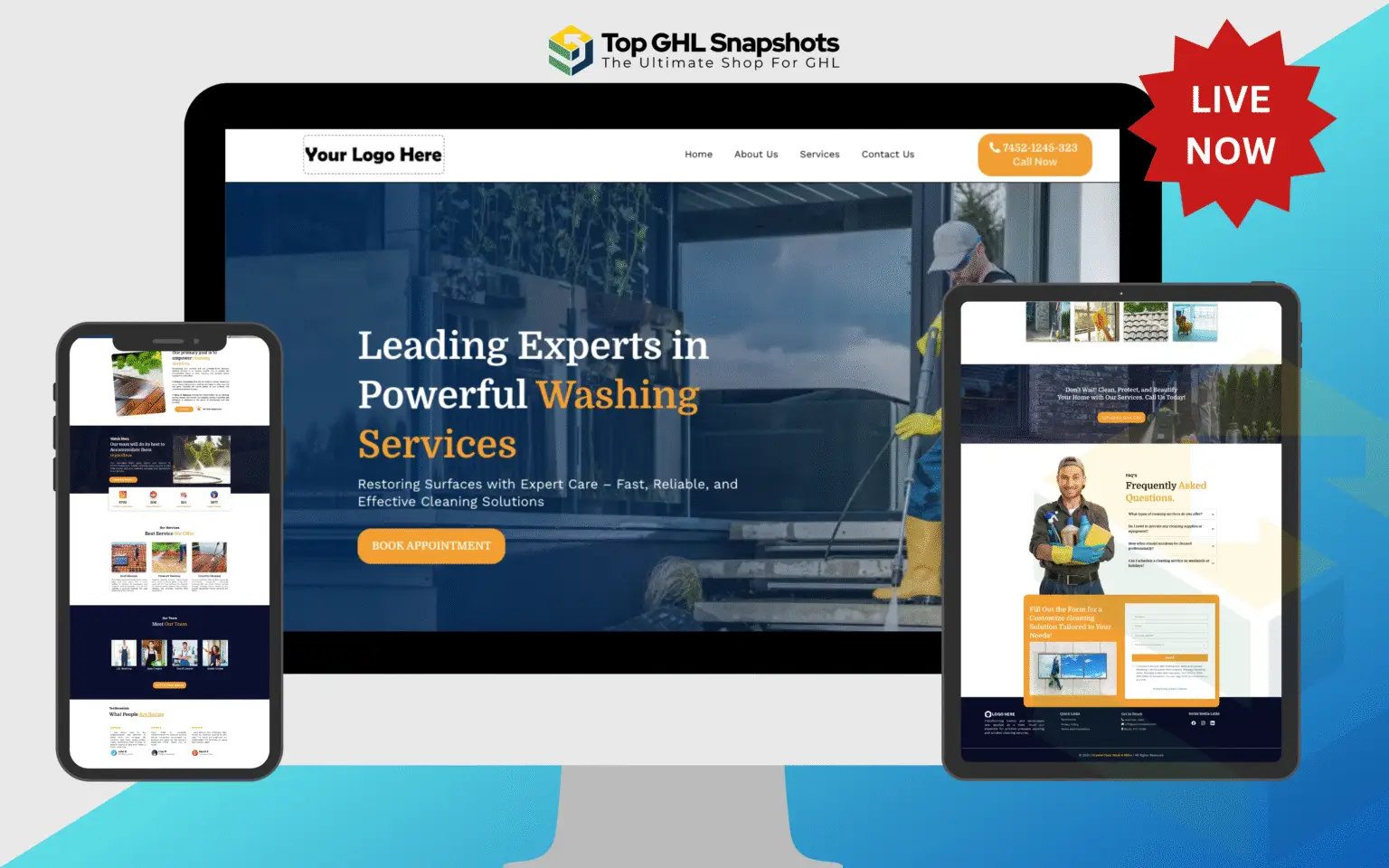
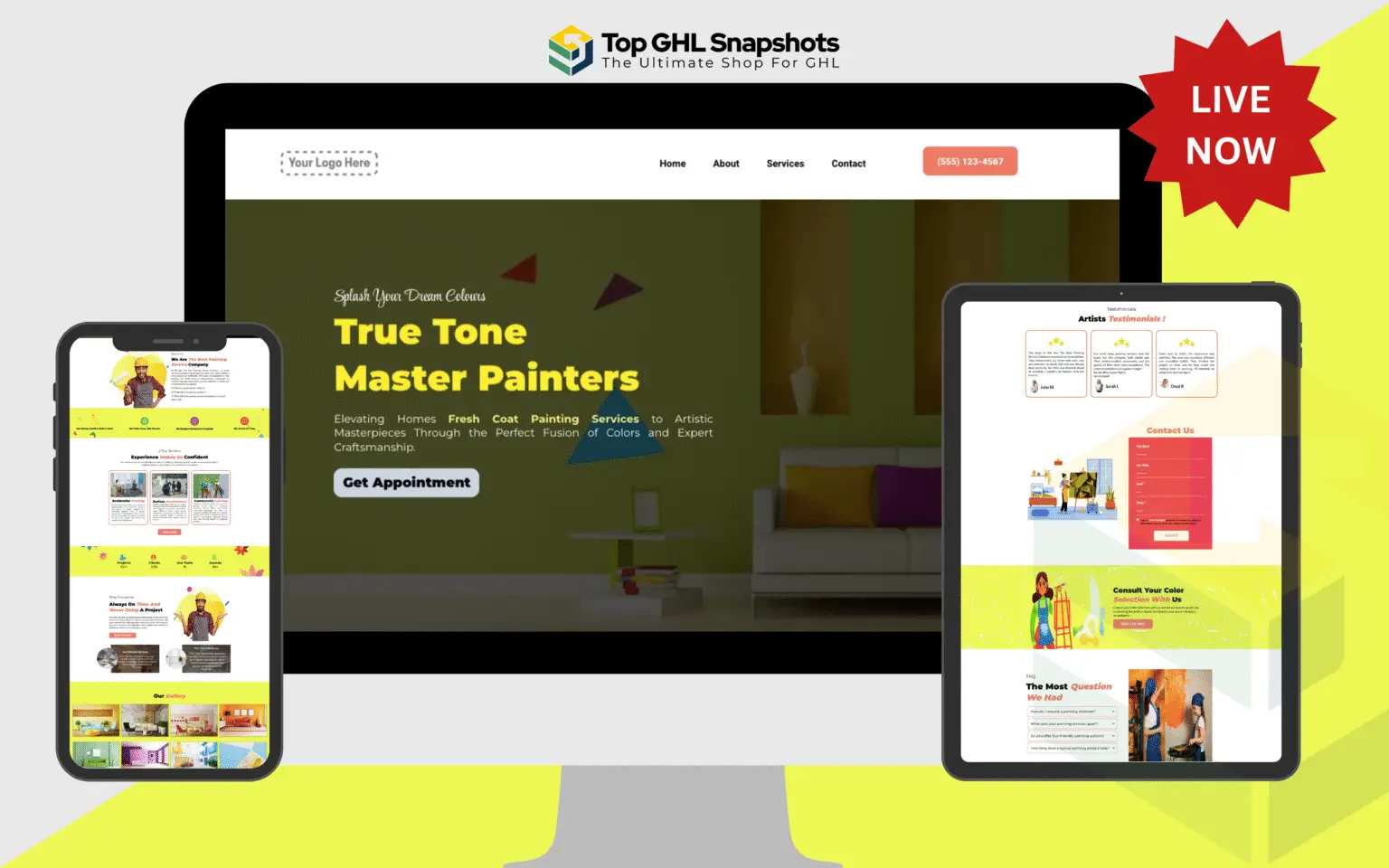
The #1 GoHighLevel snapshot marketplace, since 2022
Stop rebuilding the same sub-account every time you win a client.
Industry-ready snapshots with the funnels, pipelines and automations already wired.
- Delivered within 24 hours
- 24-hour install service
- Unlimited sub-accounts
0
Complete sub-account snapshots
0
Standalone funnel builds
0
Industries built separately
0
Products in the catalogue
- Delivered within 24 hours
- 15 days of customisation support
- Unlimited installs
- One year of free updates
- Secure Stripe checkout
Shop by what you need built
A whole sub-account, a single funnel, one automation, or the design assets to finish the job.
Snapshots
Complete GoHighLevel sub-account builds. Funnels, sites, pipelines, calendars and automations in one import.
30 productsGHL Funnels
Prebuilt GoHighLevel funnel and website pages with the copy already written, licensed images in place and forms ready to capture. Pages only, no automation.
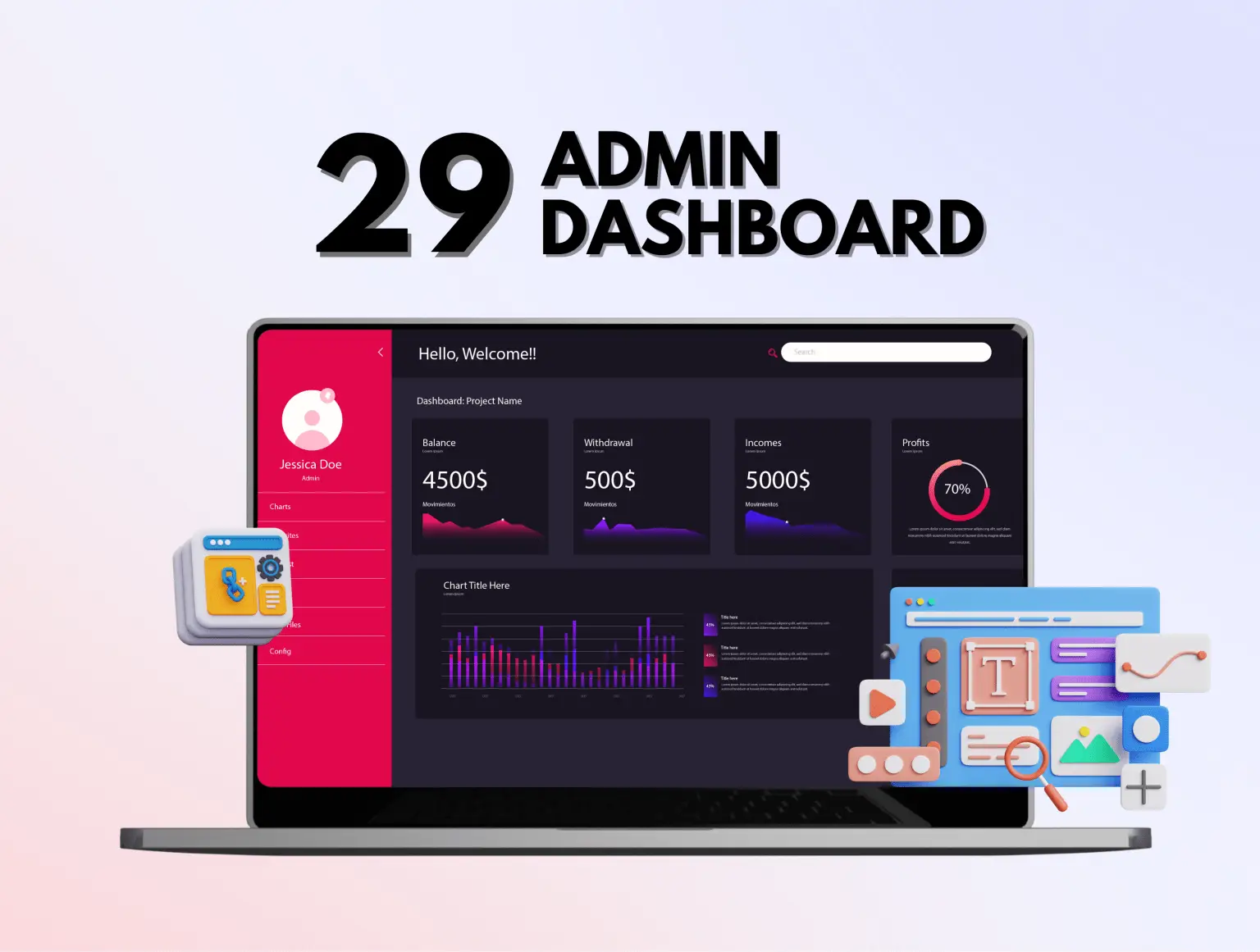
29 productsGHL Customized Dashboard
Custom-styled GoHighLevel dashboards that replace the default view with something clients want to open.
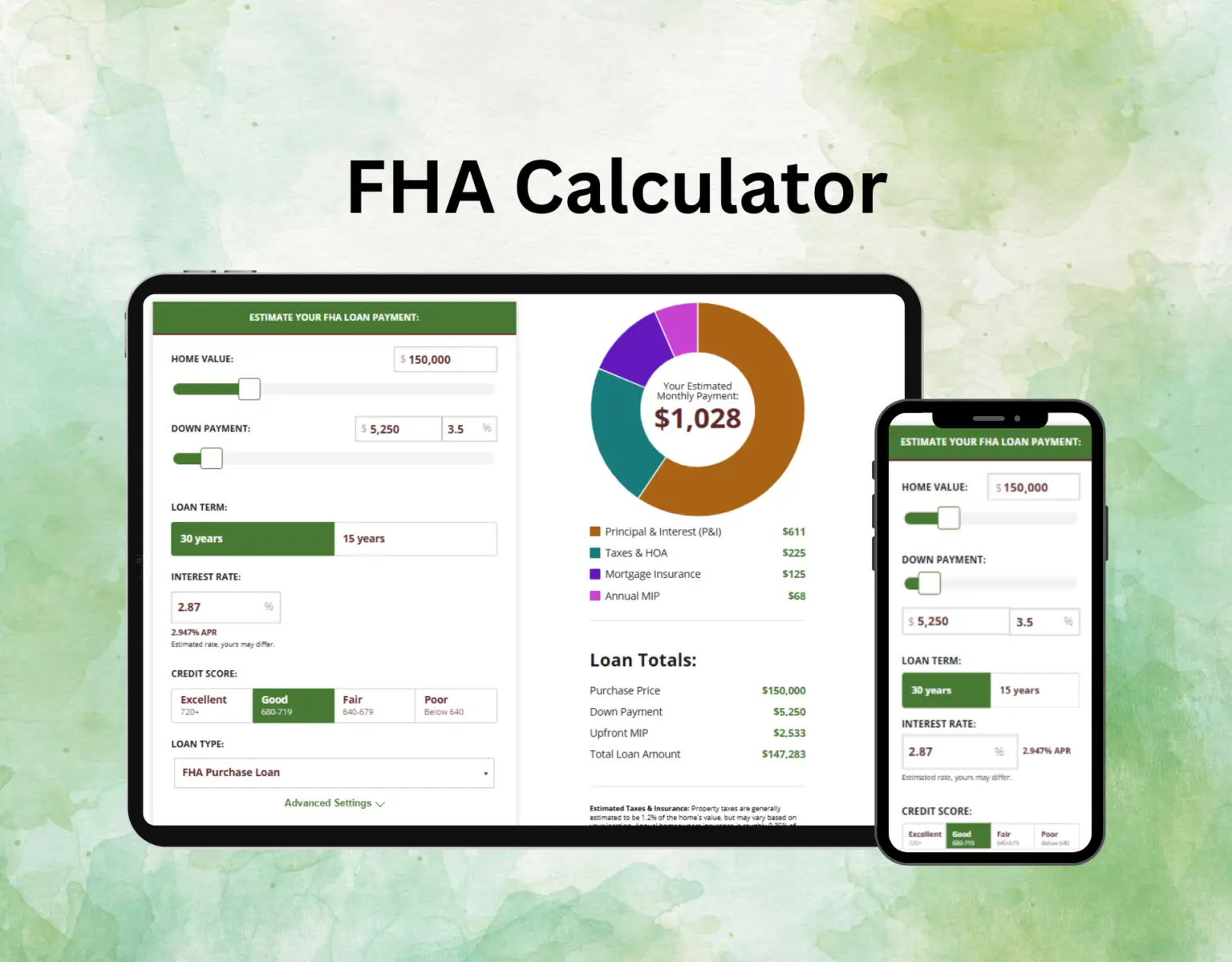
4 productsMortgage Calculator
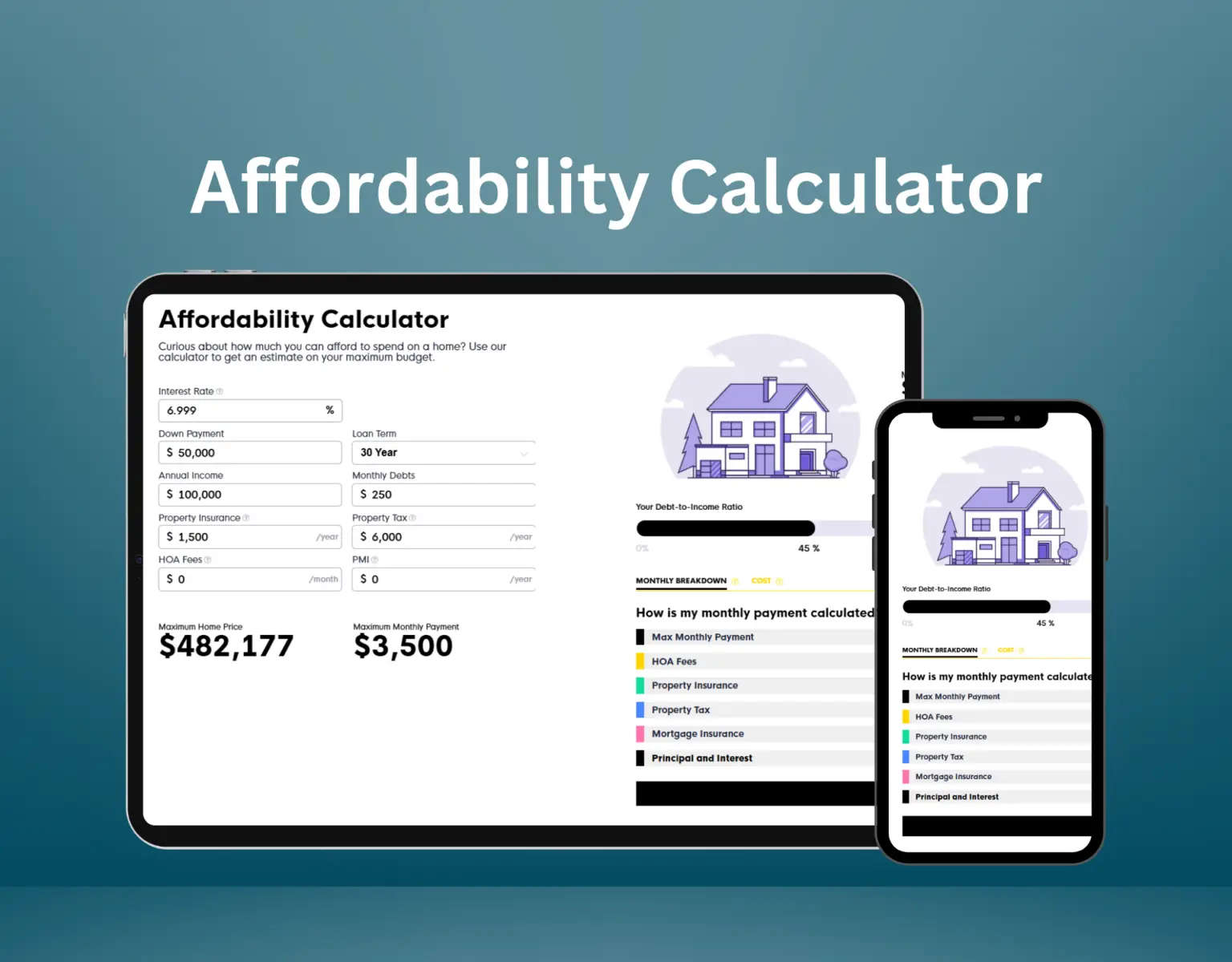
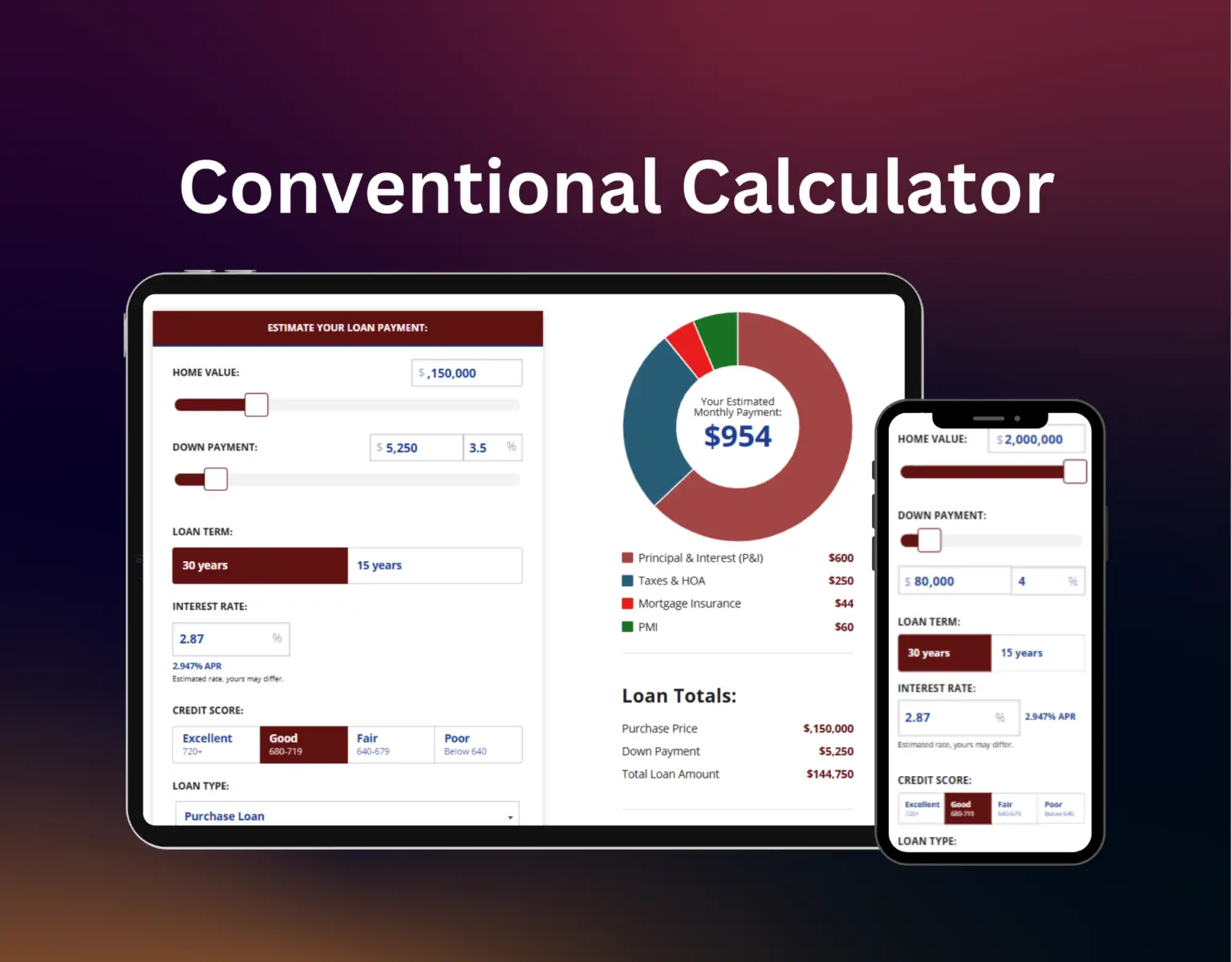
Embeddable mortgage calculators that give a real answer and capture the lead in exchange.
8 productsUI Kit
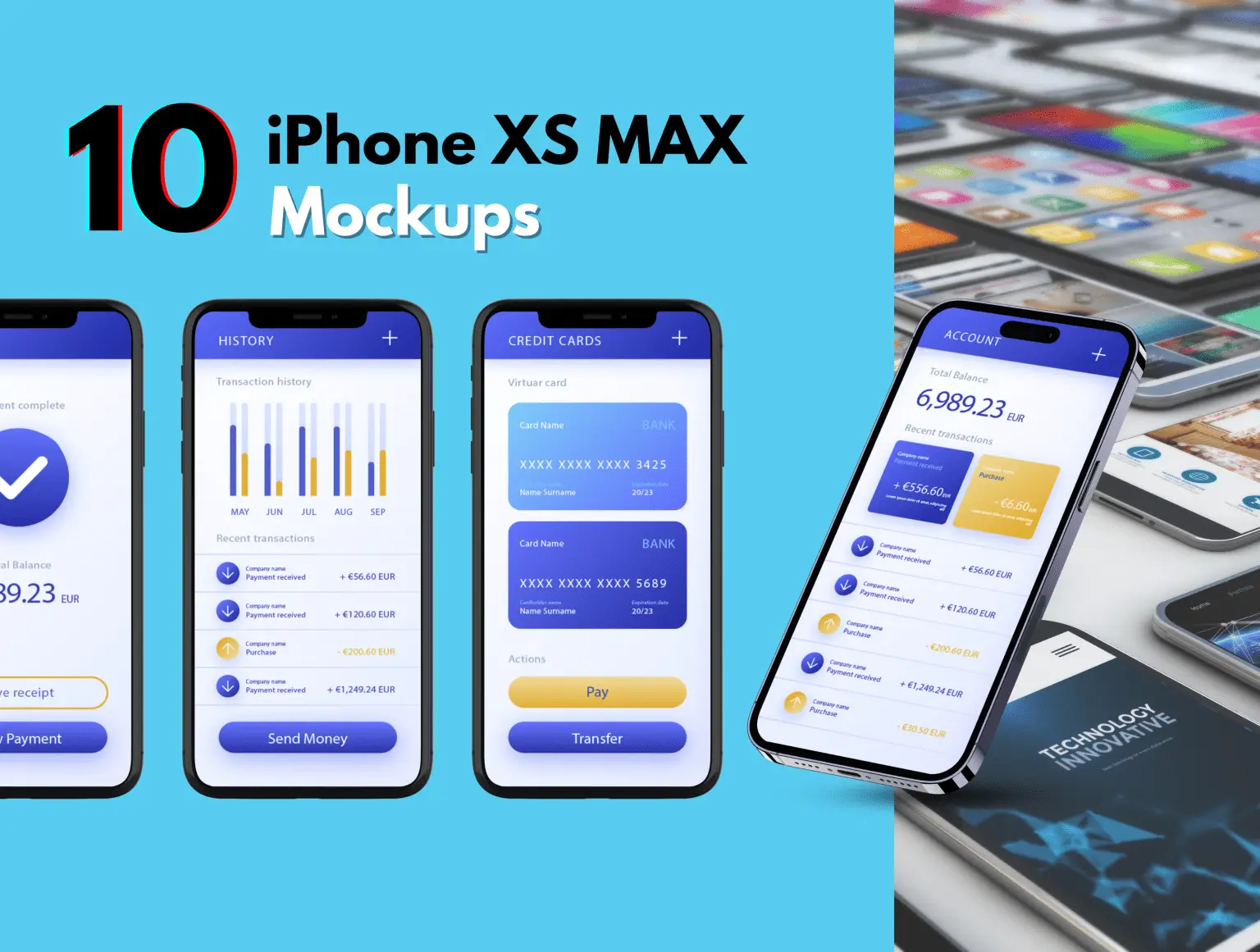
Illustration sets, icon packs, mockups and UI kits for the funnels and sites you build.
140 productsThe spec sheet
Eleven features, one snapshot
Every snapshot ships the same eleven capabilities, with the copy, timing and pipeline stages written for that specific trade.
AI Caller
A 24/7 AI voice agent answers the phone, qualifies new leads and books the appointment. Even at 9 PM on a Saturday.
Voice AI · Live booking · Live booking
AI Chatbot
A website chatbot that holds a real conversation with leads, answers the questions they always ask, and books the appointment without you touching it.
Website chat · Self-booking · FAQ trained
SMS Automation
Reminders, no-show recovery, reactivation nudges and post-job follow-up. Every lead touchpoint handled over SMS.
Reminders · No-show recovery · Reactivation
Google Business Reply Automation
Auto-reply to Google reviews and Business Profile questions in your own tone, within minutes, around the clock.
Google Business · Auto-reply · Tone-matched
Instagram DM Automation
Capture Instagram DMs, qualify the lead with AI, and route them straight into a booked appointment.
Instagram DMs · Lead capture · Auto-book
Facebook Messenger Automation
Instant Messenger replies that pre-qualify new leads and hand off to your team only when a person is genuinely needed.
Messenger · Pre-qualify · Human handoff
Review Harvesting Automation
Ask happy leads for a Google review at the right moment after the appointment, and route anything negative to you privately first.
Google reviews · Smart timing · Negative filter
Appointment Automation
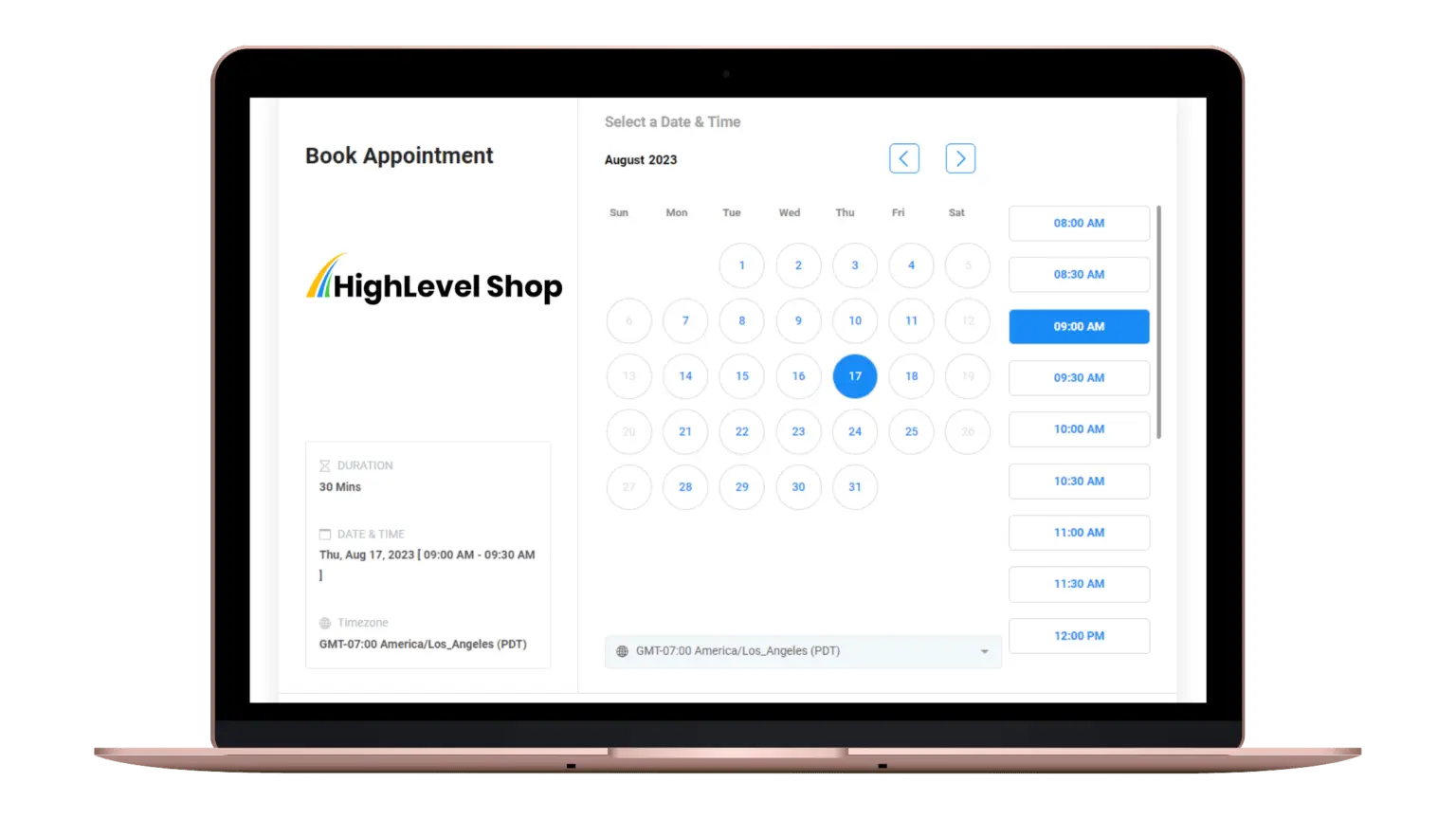
Online booking that respects real availability, layered reminders and one-tap rescheduling, so the appointment calendar stays full and no-shows drop.
Online booking · Reminders · Waitlist fill
CRM & Workflow Automations
Lead pipelines, a consistent tagging scheme, lifecycle flows and dozens of pre-built workflows. The brain of the snapshot.
Pipelines · Tagging · 60+ workflows
Prebuilt Website
A branded website built for service businesses, with online booking, service pages, reviews and lead capture. Included, not an add-on.
Branded · SEO-ready · Booking built in
Snapshot Automation System
The complete GoHighLevel snapshot. Every funnel, pipeline, workflow, template and AI prompt, tuned for service businesses.
Full snapshot · Industry-tuned · 1-yr updates
Done for you
Done for you, then 20 hours of support
The snapshot is not the end of it. You get 20 hours of hands-on customisation, usable across the 15 days that start once your snapshot is delivered.
- 20hours
- of hands-on customisation
- 15days
- to use them in
- Set the automations up around your own process rather than the default timing
- Rewrite any copy that does not sound like your business
- Apply your branding: logo, colours, sender identity and domain
- Customise the website pages, sections and offers
- Connect your phone number, sending domain, calendar and Stripe
- Walk your team through the build on a call
GoHighLevel account offer
No GoHighLevel account? Get 15% off your snapshot.
A snapshot installs into a GoHighLevel account, so you need one first. Open yours through our link and we will take 15% off any snapshot in the catalogue, whichever industry you pick.
We earn a commission if you sign up through that link, at no extra cost to you. Full disclosure.
15%off any snapshot
- Sign up through our linkAny GoHighLevel plan works. The trial counts as well.
- Email us the account you usedSend the email address on the new account to support@topghlsnapshot.com.
- We take 15% offWe send back a payment link with the discount already applied, then deliver within 24 hours.
GoHighLevel snapshots
A complete sub-account for your industry
Each one imports funnels, pipelines, calendars, the prebuilt website and all eleven automations, with the copy and timing written for that trade. Delivered within 24 hours.




30 industry snapshots in the catalogue, from $40 one-time.
View all 30 snapshotsReviews from people who bought
Written by customers and published as written. Open any card to see the original.

Nazir Mandjee
Bought the real estate snapshot
I bought the real estate snapshot and it's very well done. Plus, we're going to get an update. The support team is responsive and kind.

Ron Sanchez
Certified GoHighLevel admin
Shoutout to the team over at GoHighLevel Shop! As a Certified Admin for GHL, I needed some solid work done for a big client of ours and needed a top of line Snapshot for them. GoHighLevel Shop Delivered! Great Job guys!

Darren Skeats
Bought the restaurant snapshot
Bought a snapshot for a restaurant. It came with support. Communication has been amazing, and they're knowledgeable with custom CSS. Would recommend them

Gilbert Ramos
Bought the mortgage snapshot
The mortgage snapshot is outstanding. Their team went above and beyond their job to make everything perfect! I will recommend this company to all of my co-workers

Chase Hopkins
Had a dashboard built
Team was incredibly responsive and saved me weeks of development work. Got prompt answers to all my questions and had my dashboard looking amazing in no time. Top-notch service, massive time savings, and absolutely worth every penny. Highly recommend!

La'Mont Payne
On the support team
These Guys are hands down the best and not because of the quality of their work, but their Customer Service is top tier! Highly recommend Muhammad and His team!!!

George Munoz
On the support team
Thanks to the team! They were very helpful when I needed assistance, and they responded quickly and communicated effectively. Thanks again!
Customer stories
What customers tell us
Sent in by customers across the snapshots, funnels, dashboards, calculators and the done-for-you work.
15% to 20% off, applied at checkout
No code needed. The price you see on every product page is already the discounted one.
Launch pricing ends in--hou--min--sec
29 industries, each built separately
Not one template with the trade name swapped. Different pipeline stages, different automation timing, different copy.
Auto RepairBusiness CoachingCar RentalCar WashChildcareChiropracticCleaning ServicesConstructionCredit RepairDentalDigital MarketingGym & FitnessHealth & WellnessHiring & StaffingHouse PaintingHVACInsuranceLegalMortgagePet CarePlumbingReal EstateRestaurantRoofingSaaSSalon & BarberSpa & WellnessTourismWebinar
Checkout to live account in an afternoon
Full walkthroughStep 1
Pick your industry
Thirty trades, each with copy and automation timing written for that trade.
Step 2
Open the share link
Emailed on checkout. Load it into any sub-account in about two minutes.
Step 3
Swap the details
One settings screen drives the business name, phone, links and colours everywhere.
Step 4
Publish and sell
Workflows ship paused. Test with your own number, then switch them live.
Recently added
See everythingNew
New
New
New
What you are actually paying for
The number of funnels in a snapshot is the least interesting thing about it.
01
Written for the trade
A roofing build talks about adjusters and supplements. A dental build talks about recall and hygiene columns. No placeholder text anywhere.
02
Timing that matches the job
HVAC texts back in seconds because the caller is ringing competitors. Legal intake deliberately does not. Same mechanism, opposite timing.
03
Nothing fires by accident
Every workflow imports paused, so you can test against your own number before a single client contact is touched.
04
One licence, every client
Install on unlimited sub-accounts you own or manage. No per-seat maths, no per-install fee.
05
Updated when the platform moves
HighLevel changes constantly. When an update breaks something, you get the corrected version rather than a new invoice.
06
A person answers
Support goes to the people who built the thing you are asking about, not to a ticket queue.
Picked up where you left off
New builds, platform changes, and what actually broke
One email when we ship a new snapshot or when a HighLevel update breaks something worth knowing about. No drip sequence.
Before you buy
More detail lives in the full FAQ and the knowledge base.
What is a GoHighLevel snapshot?
A snapshot is HighLevel's native format for packaging an entire sub-account configuration into one transferable object. It carries funnels, websites, workflows, pipelines, calendars, forms, triggers and custom values, and loading one recreates that whole setup inside your own sub-account in a single step.
How quickly do I get access after paying?
Your snapshot is emailed within 24 hours of purchase. Check your promotions and spam folders as well as your inbox. Your 15 days of customisation support start once it lands.
Can I install one purchase on several client accounts?
Yes. Your licence covers unlimited installs across every sub-account you own or manage. The only thing it excludes is reselling or redistributing the snapshot file itself as a product.
Do I need a specific GoHighLevel plan?
Any agency plan works. A small number of products use SaaS-mode features such as automated provisioning, and those requirements are stated on the product page.
What if it does not work for my business?
Book the demo call before you buy. We show you the actual build on a live call so you are deciding with full information rather than on trust. After purchase, your 20 hours of customisation across 15 days cover getting it working the way your business runs. All sales are final, so the call is the part that protects you.
What if I get stuck installing it?
Email support@topghlsnapshots.com with your sub-account ID. Most import problems trace back to a missing phone number, an unverified sending domain or a payment processor that has not been connected yet. We can also install it for you.
Stop rebuilding the same sub-account
Pick the industry, import the build, hand the client something that already works.
Launch pricing on every snapshot, funnel and design pack
Browse the catalogue