🎈Winter Savings Special Sale 🎁
00
DAYS
00
HRS
00
MINS
00
SECS


In the world of automation and digital services, GoHighLevel (GHL) stands out for its powerful tools that let you streamline business operations and enhance client experiences. Two of its most talked-about features are the GoHighLevel client portal and Memberships.
At first glance, they might seem similar—after all, both offer a dedicated space where your users can log in and access content. But in reality, they serve very different functions and are designed for distinct use cases.
So how do you know which one fits your business needs—or whether using both might give you a competitive edge?
Let’s break it all down in plain English, using real-world examples, step-by-step tips, and expert insights. Whether you’re a course creator, coach, agency, or service provider, this guide will help you make the right choice.
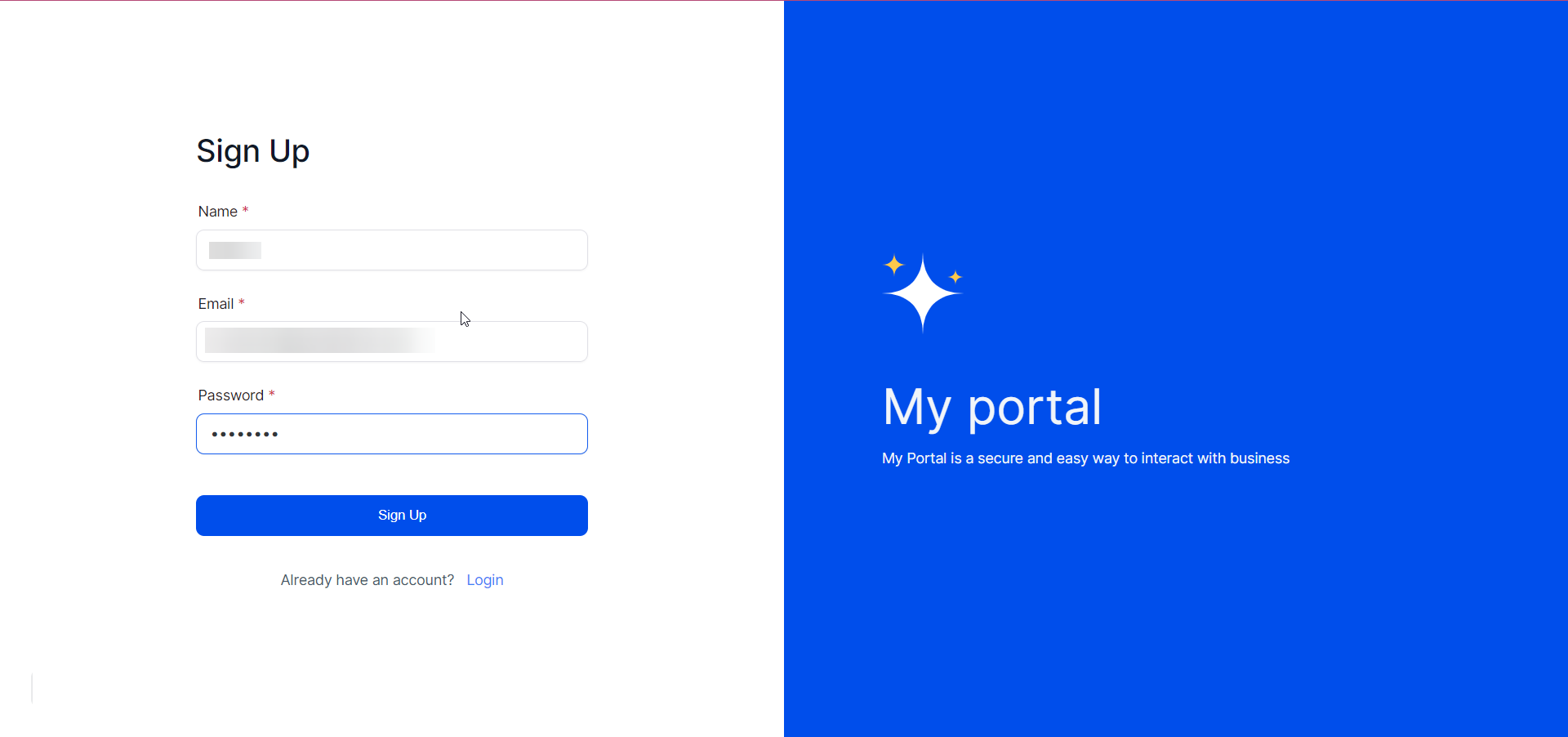
Think of the Client Portal as your business’s digital front desk. It’s where clients can log in to see everything they have access to—whether that’s invoices, documents, affiliate links, or even online courses.
Central Hub: Clients access everything—forms, courses, affiliate dashboards, and invoices—all in one branded dashboard.
Single Sign-On (SSO): They only need one login to access multiple areas of your ecosystem.
Magic Links: No password headaches. You can send a link that logs them in directly.
Custom Branding: Add your logo, colors, and even use a custom domain.
Imagine you run a digital marketing agency. You want your clients to:
The Client Portal makes this all possible in one place—branded like it’s your own custom software.

The Memberships feature is more like a virtual classroom. It’s designed for creating and delivering educational content in the form of courses, lessons, and communities.
Say you’re a fitness coach. You offer:
A free beginner course
A paid “12-Week Transformation” program
A VIP community group
The Memberships feature allows you to structure and gate that content, all while tracking member engagement.
Here’s the best part: they’re not mutually exclusive. You can combine both for a better client experience.
Let’s say you create a Membership course. When a client logs into your Client Portal, they’ll see the course as one of the items in their dashboard. That way, you’re not sending users to multiple login pages. It’s seamless, intuitive, and professional.
Here’s how to set each up quickly inside GoHighLevel.
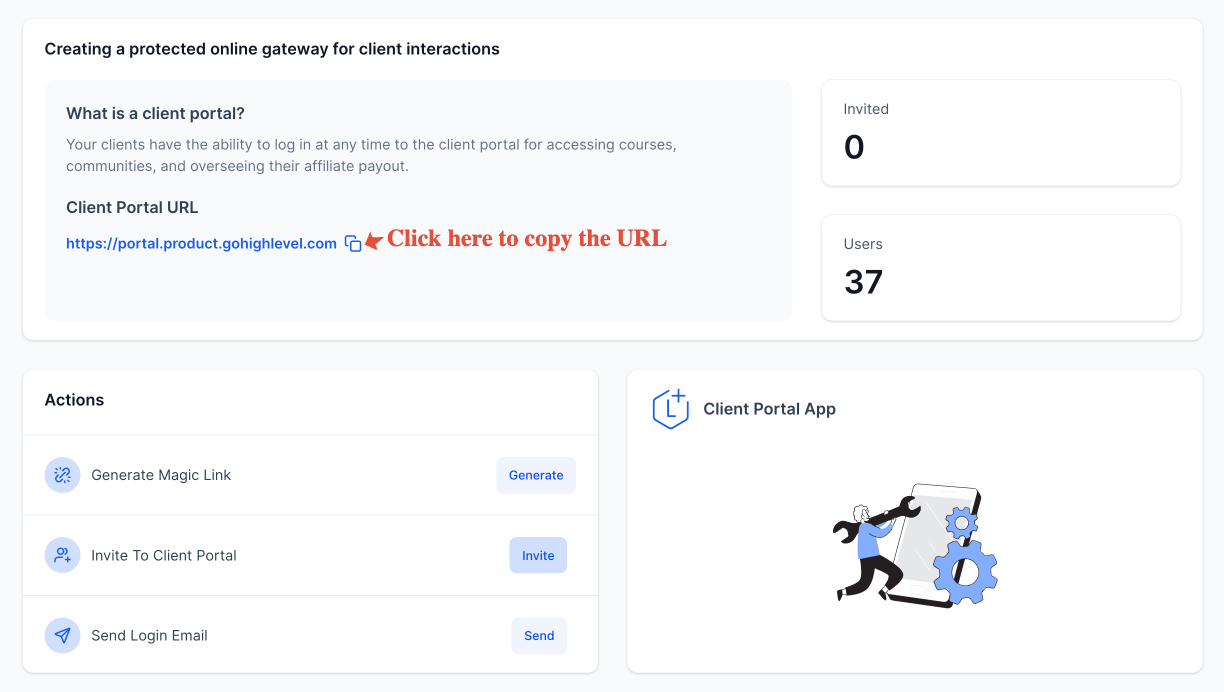
2. Create New Portal
Choose a name (e.g., “Client Dashboard”)
3. Customize Branding
Upload your logo, favicon, and change colors

4. Add Portal Items
Add links to forms, calendars, invoices, or courses.
5. Assign to Contacts
Give portal access to specific clients
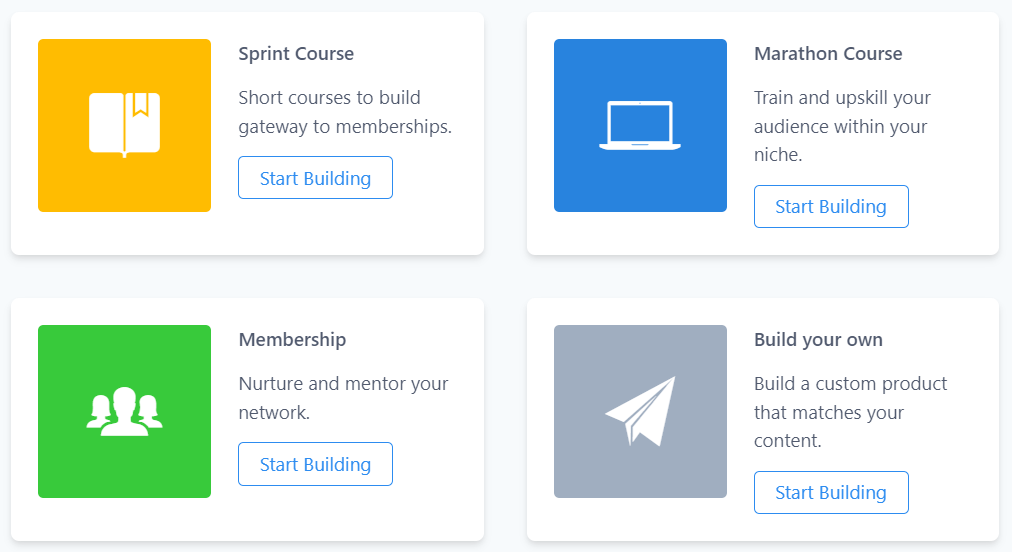
2. Click “Products” > Create New Product
Choose a template or start from scratch
3. Add Modules and Lessons
Upload videos, PDFs, quizzes
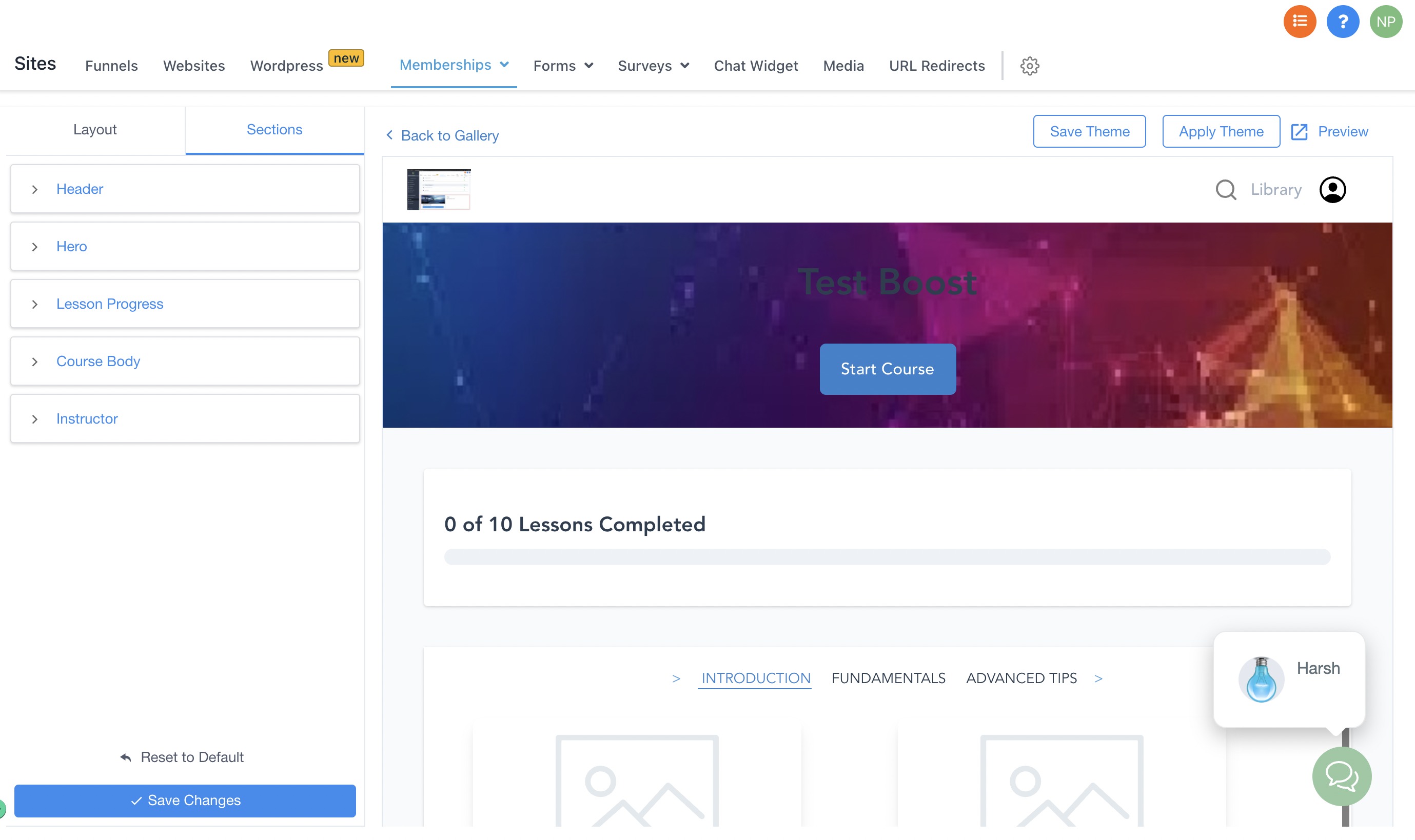
4. Set Access Levels
Free, one-time purchase, or subscription
5. Publish and Share
Add the course link to the Client Portal or email it directly
✔️ No extra cost for either feature—they’re included in your base plan!
| Feature | Client Portal | Memberships |
|---|---|---|
| Purpose | Access hub for services/content | Course delivery and community |
| Login Experience | Magic link or passwordless login | Traditional username/password |
| Branding | Fully customizable with your domain | Branded but course-specific |
| Best For | Agencies, service providers | Coaches, educators, trainers |
| Community Option | Embed from other tools | Built-in group feature |
| Progress Tracking | Not included | Included |
| Access Control | Item-based | Tier-based or lesson-based |
No, you create and sell courses via the Memberships feature. But you can link to them from your Client Portal.
Yes! It’s responsive and works well across devices.
Nope! If you integrate both properly, users can log in once and access everything from their dashboard.
Yes, absolutely. You can send users directly to a course URL without using the Client Portal.
No, they’re included in all standard GHL plans.
Both the GoHighLevel Client Portal and Memberships are powerful tools—but they serve different goals. If you’re offering services and want clients to have a branded login experience for documents, calendars, and forms, go with the Client Portal. If you’re building an educational experience or exclusive community, Memberships is your go-to.
And if you want the ultimate user experience? Use them together for a professional, seamless client journey.
Need help setting yours up? Drop a comment or reach out—I’d love to help you get started!

If you’ve ever struggled with A2P 10DLC registration, you know how confusing and rejection-prone the process can be. One small

Build Powerful Workflows Just by Speaking Imagine building a complete automation without typing a single word. No clicking through triggers.

Design smarter. Move faster. Stop switching tabs. If you’ve ever designed something in Canva, downloaded it, uploaded it into your

The Smart Way to Re-Engage Leads Without Manual Work Leads don’t always ghost you on purpose. Sometimes they get busy.

AI automation is evolving fast. If you’ve ever wished you could fully control AI tasks inside your CRM without relying

Build Powerful Workflows Just by Speaking Imagine creating an entire workflow without touching your keyboard. No typing. No complicated setup.

Pick a design that fits your brand.

Integrate it seamlessly.

Tailor it to your business needs.

Start generating leads and sales.
No account yet?
Create an AccountWe use cookies to improve your experience on our site. By using our site, you consent to cookies.
Websites store cookies to enhance functionality and personalise your experience. You can manage your preferences, but blocking some cookies may impact site performance and services.
Essential cookies enable basic functions and are necessary for the proper function of the website.
These cookies are needed for adding comments on this website.
Google reCAPTCHA helps protect websites from spam and abuse by verifying user interactions through challenges.
These cookies are used for managing login functionality on this website.
Stripe is a payment processing platform that enables businesses to accept online payments securely and efficiently.
Service URL: stripe.com (opens in a new window)
Statistics cookies collect information anonymously. This information helps us understand how visitors use our website.
Google Analytics is a powerful tool that tracks and analyzes website traffic for informed marketing decisions.
Service URL: policies.google.com (opens in a new window)
Clarity is a web analytics service that tracks and reports website traffic.
Service URL: clarity.microsoft.com (opens in a new window)
SourceBuster is used by WooCommerce for order attribution based on user source.
You can find more information in our Privacy Policy and .



