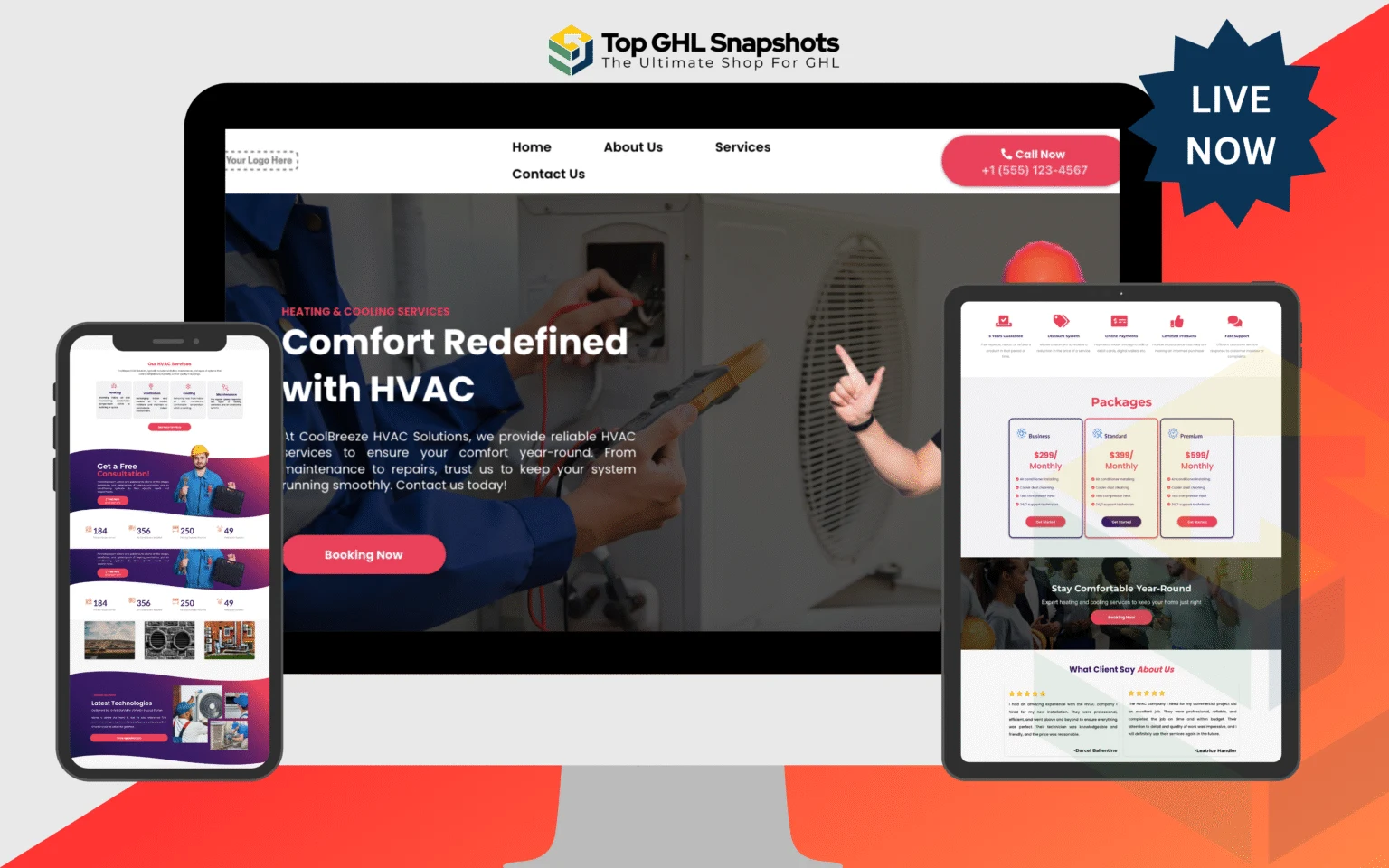
What happens to an HVAC lead, minute by minute
Every step below is a live workflow in the HVAC snapshot. Nothing here needs building.
Every lead source enters the same system
- FacebookLead form
- InstagramDM or form
- WebsiteForm or chat
- Phone callInbound
- Google AdsPPC form
- 1
Under 60 seconds
Instant response
The lead gets a text back before they have finished dialling the next contractor. Whether it came from a form or a missed call, the first touch is automatic.
- Missed call triggers an SMS within seconds
- Form submissions get an immediate acknowledgement
- Conversation opens in the unified inbox
- Contact created and tagged with its source
- 2
Minutes 1 to 5
Qualification
Before anyone on the team spends time, the system establishes what kind of job this is. Emergency work routes differently from a tune-up enquiry.
- Symptom and system age captured
- Emergency versus scheduled branch
- Property type routes residential or commercial
- Replacement-grade leads flagged for the sales pipeline
- 3
Minutes 5 to 15
Booking
The calendar shows arrival windows rather than fixed slots, because that is how dispatch actually schedules. The lead books themselves.
- Arrival windows matched to technician availability
- Confirmation sent by SMS and email
- Job written to the pipeline at the correct stage
- Unbooked leads enter a follow-up sequence instead of going cold
- 4
Before the visit
Confirmation
Layered reminders cut the no-shows that leave a technician driving to an empty house.
- 72-hour reminder with the arrival window
- 24-hour confirmation request answered with one word
- 2-hour on-the-way notification
- Unconfirmed jobs flag for dispatch to call
- 5
After the visit
Revenue after the job
The part most contractors skip entirely, and where the margin actually lives.
- Review request timed to when satisfaction peaks
- Ratings under four stars route privately to the owner
- Maintenance plan offered while the work is fresh
- Declined work logged with a resurface date
- Seasonal tune-up campaign scheduled automatically
Questions about the flow
Is this a real build or a diagram?
Every step shown here is a workflow inside the HVAC snapshot. The diagram describes what actually imports, not an aspirational architecture.
Do I have to use all of it?
No. Each stage is a separate workflow, so you can publish the missed-call text back on its own and leave the rest paused until you want them.
What do I need for the SMS parts to work?
A phone number in the sub-account with A2P registration approved. That approval takes days, so start it before you plan to launch.
Does this work for other trades?
The shape does. Plumbing, roofing, electrical and other dispatch trades follow the same pattern, and each has its own snapshot with the timing and copy adjusted.